

Campaigns
Manual LinkedIn tasks versus native automation
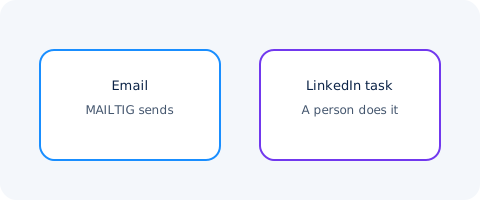
MAILTIG creates a task when a sequence needs LinkedIn, SMS, a call or WhatsApp. A person does the work. Email is the only channel MAILTIG sends.
By MAILTIG editorial. Reviewed by Product (Product / legal awareness) on 5 November 2026. Next review due 4 February 2027. 5 minute read.
If a vendor says they will "send LinkedIn for you," read the terms of that network. MAILTIG does not send on LinkedIn, SMS, phone or WhatsApp.
What a task step is
In a sequence you can insert a task: connect on LinkedIn, send a message there, place a call, send an SMS, use WhatsApp. MAILTIG opens a task for an assignee, with the contact, the instructions and a place to log the outcome. Completing or skipping the task is what advances the sequence.
The product does not log into LinkedIn as you. It does not drive a browser. It does not buy InMail.
Why this boundary exists
Network sending without the network's own tools is a policy and account-risk decision. MAILTIG keeps those steps as work for a person so the workspace remains an outreach system you can explain, not an unofficial client for someone else's product.
What MAILTIG does send
Email, through a mailbox you connect (Gmail, Microsoft 365, SMTP, or a high-volume provider on Business/Agency). Replies to those emails can be collected when receive is configured.
If you need native social sending, MAILTIG is the wrong tool for that part. You can still run email in MAILTIG and keep LinkedIn as a logged task.